Coding agent powered by DeepSeek
DSCode is the open-source DeepSeek harness that turns model output into reviewable changes: plan, edit, test, and inspect costs from your terminal.
Install from npm
Node.js 22.19+ and Git
npm install -g @thinkany/dscodeThen run in any repository dscode -C .
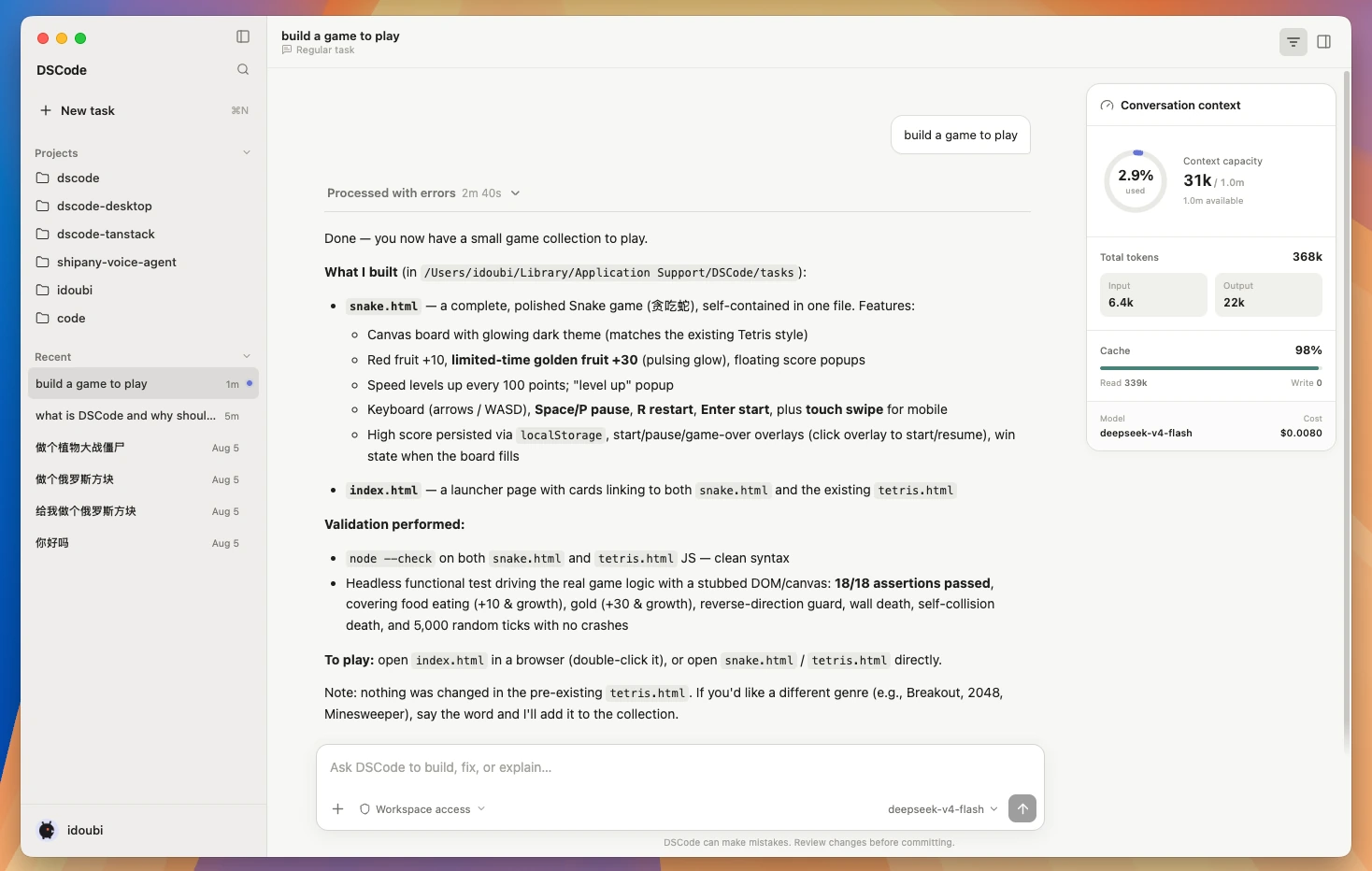
DeepSeek Code / execution layer
What is a DeepSeek Harness?
A model can write a snippet. A harness gives it the context, tools, guardrails, and feedback loop to work through an entire repository. DSCode packages that loop around DeepSeek as an open-source coding agent.
Read the DeepSeek Harness guide →- DeepSeek Code
- DeepSeek supplies the reasoning and code generation. DSCode feeds it repository context, task instructions, and the result of each tool call.
- DeepSeek Harness
- DSCode orchestrates file search, patches, shell commands, tests, review, local session history, and parallel agents around the model.
- The result
- One traceable loop from request to tested patch, with context use, cache hits, tokens, reasoning, and estimated cost visible.
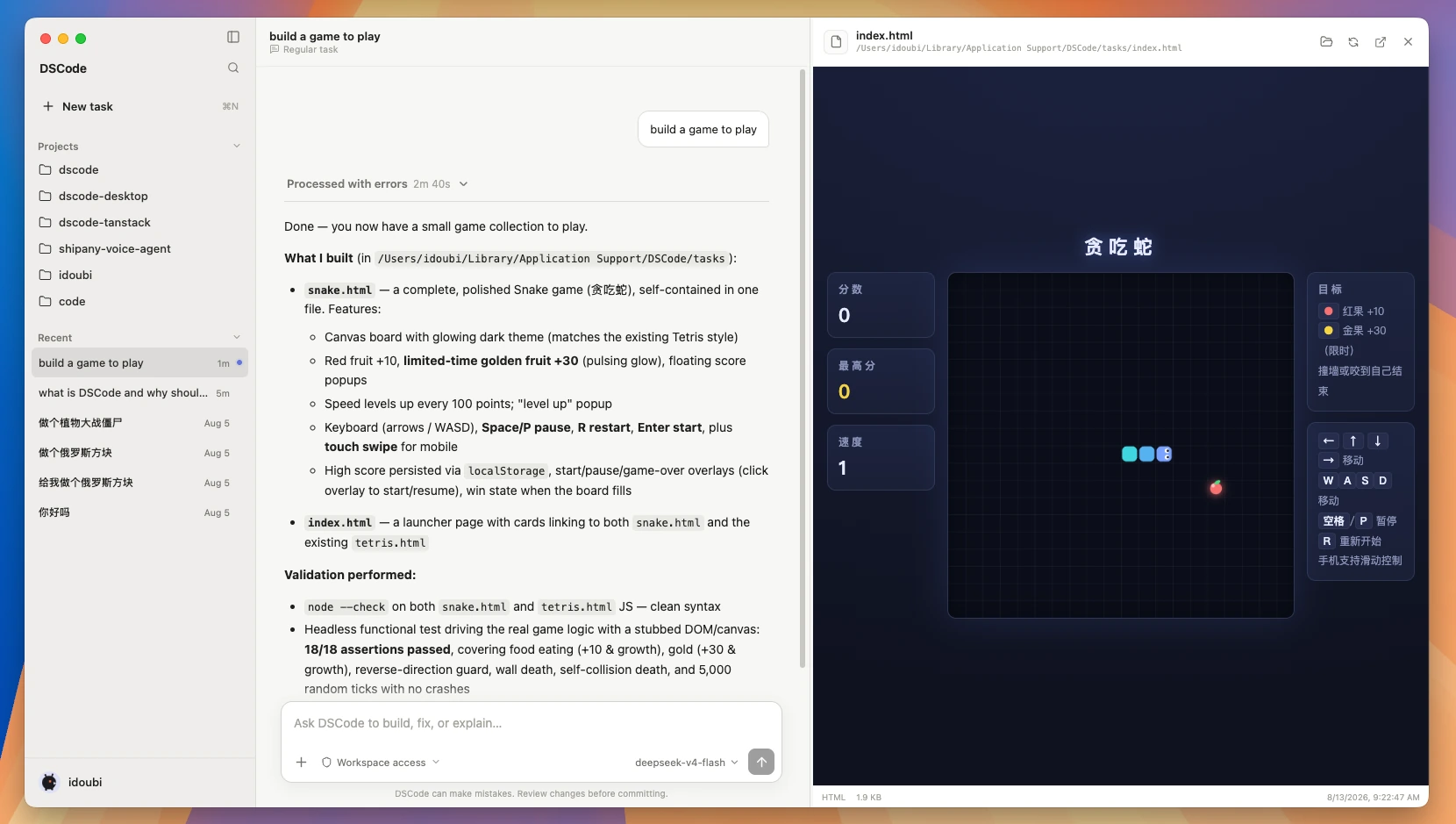
What is DScode?
DScode is an open source coding agent built around DeepSeek for working inside real repositories.
DeepSeek-native runtimeNative Responses replay, reasoning controls, free-form patches, and optional web search. No compatibility shim.
Cost-aware by designTrack context, cache hits, tokens, reasoning, and estimated spend from one command.
Parallel agentsDelegate exploration, implementation, review, and tests across up to four concurrent agents.
Local controlKeep sessions as local JSONL. Commands run in an OS sandbox with networking blocked by default.
Sandboxed commandsTools run in the OS sandbox with networking blocked by default. Any escalation stays explicit.
Your workflow, preservedRead AGENTS.md and CLAUDE.md, use Agent Skills and MCP, and fit the tools your repository already uses.
Open source, MIT licensedSelf-contained and transparent. Extend the runtime without vendor lock-in or hidden telemetry.
From install to first patch in under a minute
Three commands. Node.js 22.19+ and Git are all you need.
$ npm i -g @thinkany/dscode
✓ dscode installed
Install DSCode
Install DSCode globally from npm. The installer prepares pnpm and ripgrep for you.
$ dscode login
✓ DeepSeek connected
Connect DeepSeek
Use your DeepSeek API key or point DSCode at a compatible gateway.
$ dscode -C ./repo
› inspect → edit → test
Open a repository
Point DSCode at a project and delegate the first task from your terminal.
FAQ
Requirements, models, licensing, and how DScode fits beside other coding agents.
Built for local control
Sessions stay as local JSONL. Commands run in an OS sandbox with networking blocked by default.
Read the quick start